Aspiring designers and students
Explore how websites and apps are planned. Start connecting an interest in design with practical tasks such as organizing information and sketching a screen.
✳ Welcome to Worknest — Co-Work and Learn in Chiniot
Call +92 301 5332656 ↗Start with the person using a website or app. Explore UI/UX Design training at Worknest in Chiniot, from understanding a visitor's needs to planning screens and testing a prototype.
Learn to explain why a design works, as well as how it looks. Connect user research, wireframes and interface choices to a clear task that someone needs to complete.
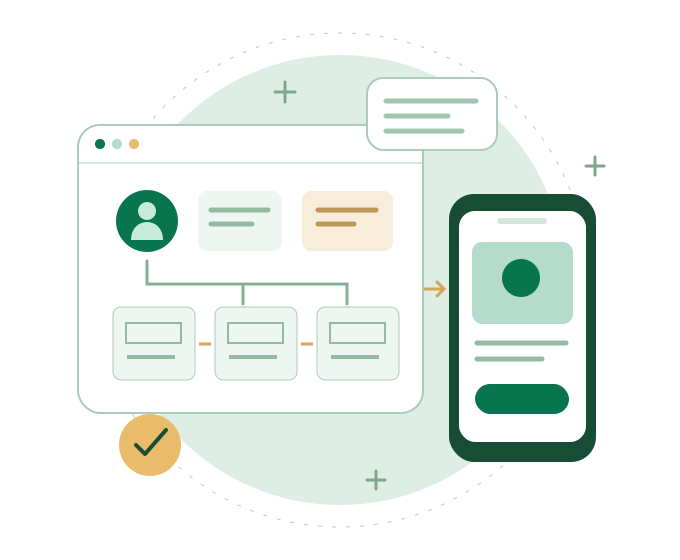
Explore how websites and apps are planned. Start connecting an interest in design with practical tasks such as organizing information and sketching a screen.
Look beyond the appearance of a page. Practice planning clearer navigation, useful content and the steps a visitor follows to complete a task.
Build a better understanding of the design decisions behind an interface. Explore how flows, screen states and feedback can make an idea easier to discuss before development.
Think through a website or product idea before building it. Practice describing what a visitor needs and reviewing whether a proposed layout supports that goal.
User experience, or UX, considers how someone uses a product to reach a goal. User interface design, or UI, shapes the screens and controls they interact with. Explore how the two work together.
Prepare simple research questions and listen for the problems people describe. Separate findings from assumptions. Use research to inform a simple user profile, often called a persona.
Group related information and plan a sensible order for it. Map the steps needed to complete a task, such as finding a service and sending an enquiry. Notice missing information and unnecessary steps.
Start with simple sketches that show content and layout. Develop more detailed screens as the structure becomes clearer. Use wireframes to discuss a page before spending time on its visual finish.
Explore typography, colour, spacing and visual hierarchy. Consider readable text, clear labels, keyboard use and smaller screens when reviewing how an interface should work.
Connect screens to demonstrate a task. Ask someone to try the prototype and observe where they hesitate. Use that feedback to review labels, layout and the order of steps.
Organize screens and note important behaviour, such as what happens after a form is sent. Practice explaining design choices and screen states so a developer can understand the intended experience.
Figma is the main design tool in the planned learning path. Use it to develop interface layouts and connected prototypes. Sketches and flow diagrams help you explore an idea before refining the screens.
Ask whether supporting tools such as FigJam or Miro are used in the current batch. Confirm the account, equipment and software access you need; paid subscriptions are not assumed to be included.
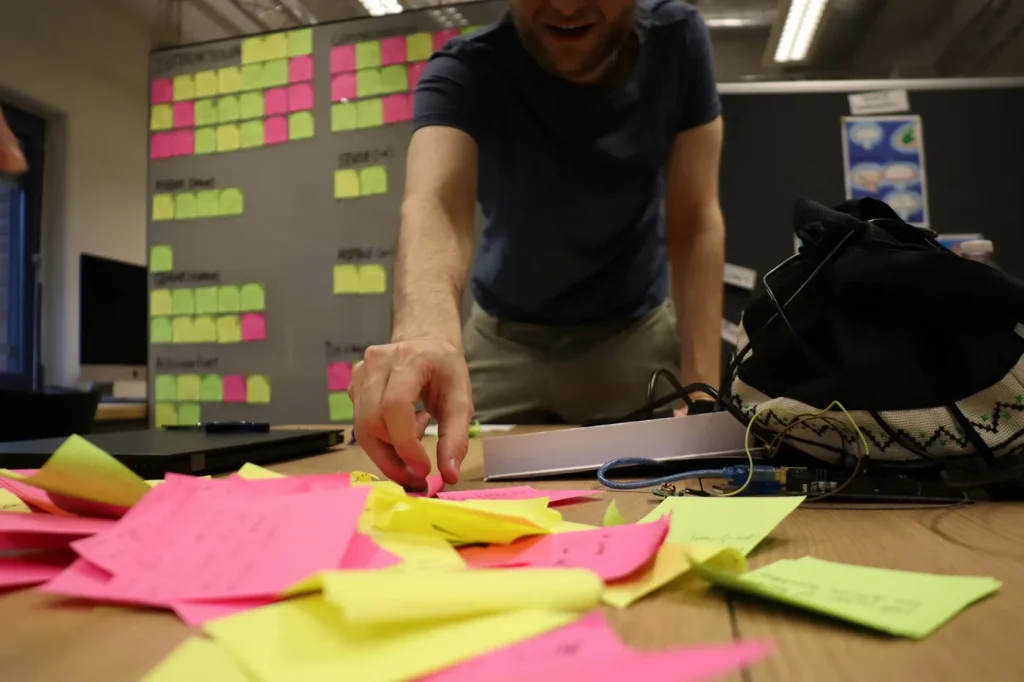
Choose a sample service website and define what a visitor needs to find out before making an enquiry. Write a simple task and map the steps from exploring the service to sending a request.
Sketch the screens, develop the layout and connect a prototype. Include useful feedback, such as a message that explains what happens after an enquiry is sent. Ask someone to try the flow and record what they find unclear.
Review the design and explain the changes you made. Keep notes that show the connection between the visitor's needs, your decisions and the feedback you received.
This is an example of practice work, not a claim about a real client project. Ask Worknest about the current project brief, guidance and scope before joining.
Ask Worknest about the current course duration, fees, batch timings, delivery format and entry expectations. Share your experience and whether you want to focus on websites, apps or a particular design problem.
Confirm the topics, practice work and tool access for the current option before deciding to join.
They share visual principles, but their purposes differ. UI/UX focuses on using a website or app and completing tasks. Graphic design covers visual communication more broadly, including marketing graphics and brand materials.
Yes. Tell Worknest what you have tried and what you want to design. Confirm the current starting point, equipment needs and entry expectations before enrolling.
The planned learning path focuses on design and prototyping rather than programming. Ask about the current entry expectations. Building a functioning website is a related but separate area of study.
UI/UX focuses on understanding needs, planning an experience and reviewing whether it works. Figma is a tool used to express and test design ideas. The separate Figma Design course focuses more closely on working with that tool.
A project can help you explain your process, decisions and revisions. Ask what work the current course includes and what you can present in a portfolio. Real client assignments and a fixed number of finished projects are not promised here.
No. Training supports learning and practical work. It does not guarantee employment, clients, income or business results.
Tell us what you want to design and how much experience you have. Ask about current topics, practice work and joining details so you can decide whether this path fits your goal.
Ask about the UI/UX Design course · Call +92 301 5332656
Prefer email? Email Worknest and mention your interest in UI/UX Design.
Compare the Web Design learning paths to see where UI/UX fits. Explore the Figma Design course for a closer focus on the design tool, or the Web Development course — page awaiting publication for HTML, CSS and JavaScript.
Explore all courses to compare the complete learning directory.